
The Full-featured API integration is where you generate the API keys that authenticate programmatic access to your Personyze account — reading and writing users, catalogs, interactions, placeholders and reports.
In the panel: Settings › Integrations › Full-featured API.
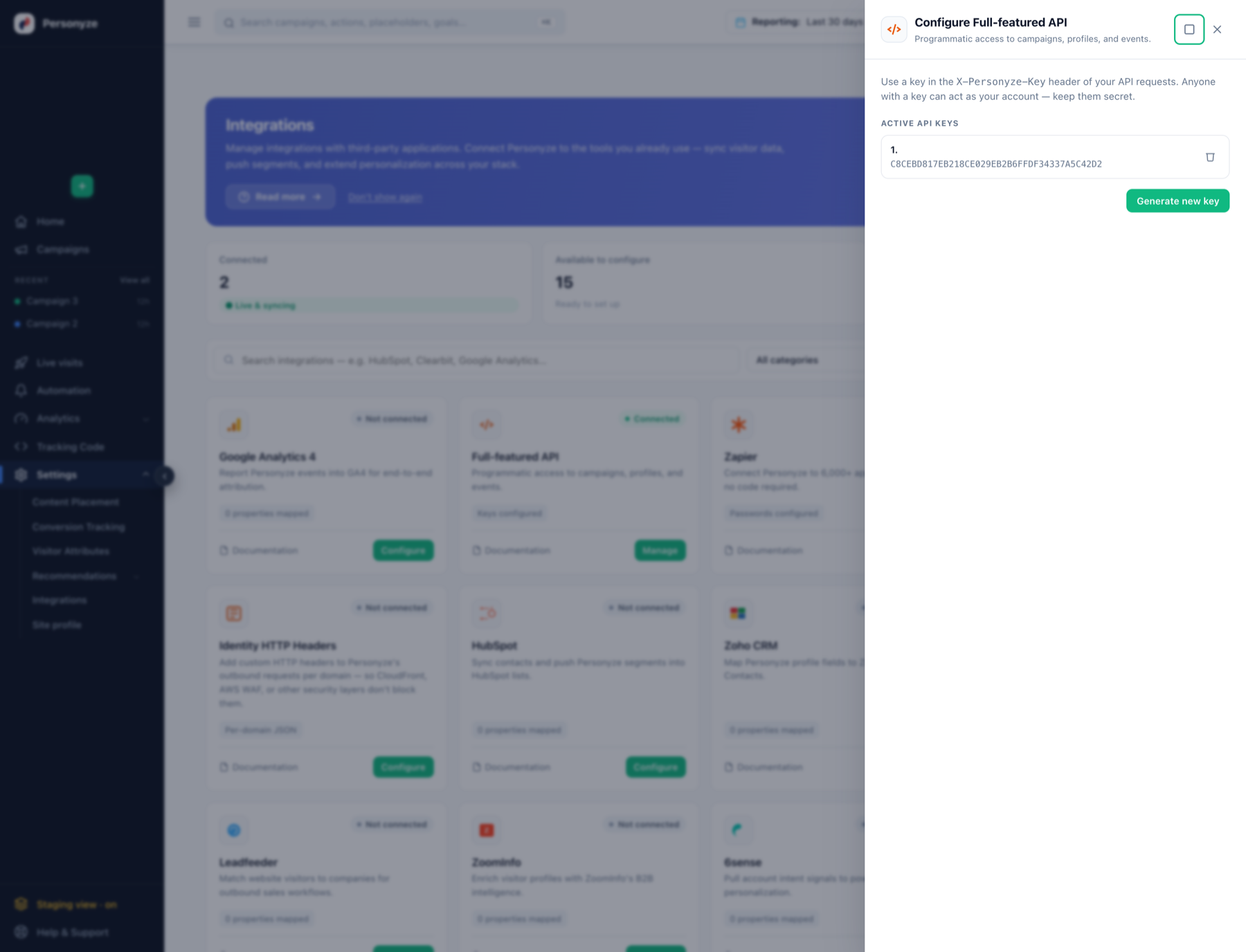
Generating a key
- Open Settings › Integrations and click Manage on the Full-featured API card.
- Generate a new key. Store it somewhere safe immediately — there is no way to recover the value of an existing key later.
- Give each integration its own key, so one can be revoked without breaking the others.
Deleting a key takes effect at once: anything still using it starts receiving 401. Generate the replacement and roll it out before revoking the old one.
Zapier passwords and Full-featured API keys are the same set of keys. A key generated on either card appears on both, and either one authenticates any endpoint.
Using it
Authentication is HTTP Basic over HTTPS — username api, password your key:
curl 'https://api:YOUR_API_KEY@app.personyze.com/rest/account'That endpoint returns {"id": …} and touches nothing, which makes it the cheapest way to check a key works.
Full reference
The complete API documentation lives in the developer wiki:
- REST API overview — request shape, HTTP verbs, response codes, conventions.
- API keys — sending the key, testing it, key types, and keeping it safe.
- Request path parameters — the
where/order_by/limit/columnssyntax shared by every object. - Errors, limits and retries — status codes, the 1000-row cap, the indexing rules, and what is safe to retry.
- Building an integration — which endpoint does what, and the behaviours that surprise people.
The objects
- Users — users, users_columns, user_lists, user_list_users, user_interests, do
- Catalog — products, articles, products_interactions, products_stats
- Analytics — summary_actions, sessions_archive, events, forms
- Configuration — placeholders, actions, conditions, containers_grab_variable
For server-side personalization — asking Personyze what a visitor should see and rendering it yourself — see server-side personalization and A/B testing.
Related
- Zapier Integration — the no-code route to the same API.