
Billing & payment methods holds four things: your cards, your account balance, your AI
credits, and the box where a coupon or partner code is redeemed.
How the money is arranged
There are two separate pots, and mixing them up is the usual confusion:
| What it is | Topped up by | |
|---|---|---|
| Balance | Account credit. What subscription and usage charges draw on. | Adding funds by card, or a code |
| AI credits | The allowance the AI features spend — the assistant, AI writing, site reading. | Bought out of the balance, or a code |
so rather than failing: “Add funds first, then come back here.” Two steps — add funds, then
buy credits.
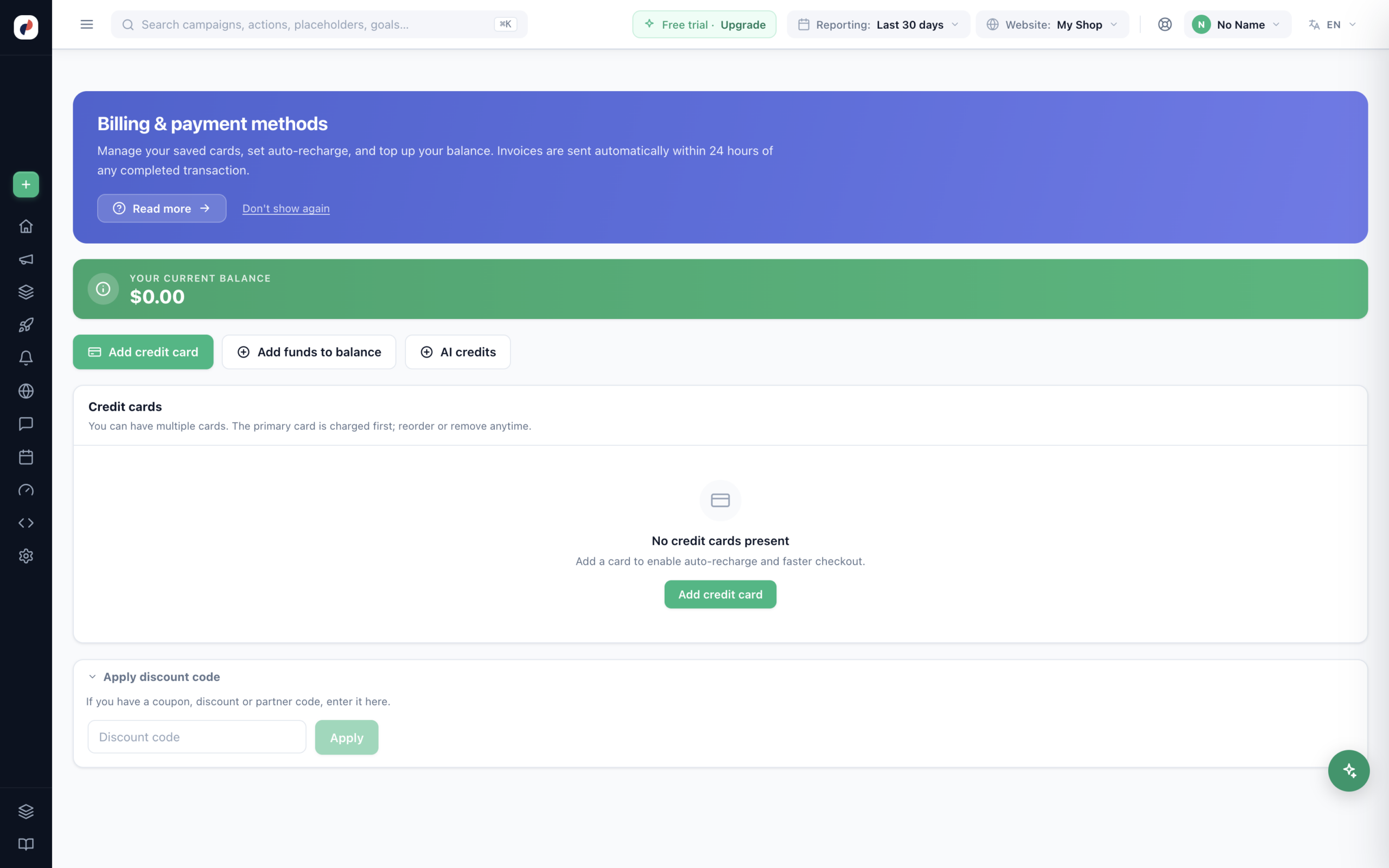
Cards
You can hold several. The primary card is charged first, and you can reorder or remove any of them
at any time. An expired card is flagged rather than quietly failing at the next charge.
Card details are encrypted and stored by the payment processor — Personyze never sees your full card
number. Adding a card also unlocks auto-recharge, which tops the balance up on its own instead of
letting it run out mid-month.
Invoices are sent automatically within 24 hours of any completed transaction — there is nothing to request, and a one-off charge confirms with the same promise.
Redeeming a code
The Apply discount code box is collapsed by default — it is for the minority of accounts
holding a code, not a permanent part of the screen. “If you have a coupon, discount or partner code, enter it
here.” Once an account has redeemed something the section stays open, because it is then also the record of
what was applied.
A code hands over one of four things:
- Balance credit — an amount added to your balance.
- AI credit — an amount of AI allowance, without spending balance.
- A discount — a percentage off.
- Free days of your plan — on a paid plan, your next charge moves that many days later; nothing is charged or refunded now. On a free plan the days wait, and are added to the first paid plan you choose.
Which one a code carries is decided when it is issued, not when it is typed. Redeem it and the effect is applied
immediately, with a line added to your redemption history.
Free days say what they did in that line — “14 free days of your plan, until Oct 28, 2026” — and under your balance: “Free days from code SPRING14: your next plan charge is on Oct 28, 2026.” On a free plan it reads “14 free days from a coupon are waiting — they are added when you choose a paid plan”, with Choose a plan. When you pick a paid plan, its summary adds them to the new term: Free days from your coupon, +14 days.
These codes are for your Personyze account. The coupon codes you give your own shoppers are on Coupon Codes.
redeemed (the issue had a limited number of uses, all taken) or already used (by this
account). If a code you were given is refused, the message says which of those it is — quote it when you ask
whoever gave you the code.
Where the charges come from
Your plan is on Upgrade or downgrade your plan, which is also where
add-on modules such as the AI assistant and
hosted landing pages are switched on. Each carries a monthly price for the module, an
allowance included with it, and a usage price beyond that allowance — that screen is the authority on the
current figures.
Sending email campaigns is the Email sending add-on: included on Growth, Power and Enterprise, an add-on with a 7-day free trial on Free and Starter. It too has a monthly email allowance and usage pricing beyond it; the Add-ons page has the current figures.
When an allowance is nearly used up or used up — page views, AI, or an add-on’s — the account’s bell gets a message for everyone on the account, and the owner an email. A pop-up appears as well only when something stops (tracking, AI, an add-on’s units) or an add-on trial ends, and not on an agency’s client accounts, which cannot change the plan. The message goes once the cycle renews.
The AI assistant additionally has a conversations-per-cycle ceiling you set yourself, so a busy
month stops rather than quietly running up a bill.
Related
- Your plan — plans, add-on modules, and what each includes.
- Team members — who else can see this screen.
- Dashboards — the AI credits card shows how much allowance is left
without opening billing.