
A Review Form lets visitors write a review on your own site. Each one lands on the Reviews page — waiting for your approval unless you choose to publish at once — and can also go to you by email, to your other tools, and to a review platform. The Review Form is part of the Reviews & Surveys add-on.
On personyze.com: Reviews and testimonials, matched to each visitor →
Adding it: What should they review?
Add action → Reviews → Review Form opens on What should they review? — four cards. A card lists only the designs that can ask it, the ones made for it first; Change goes back to the cards.
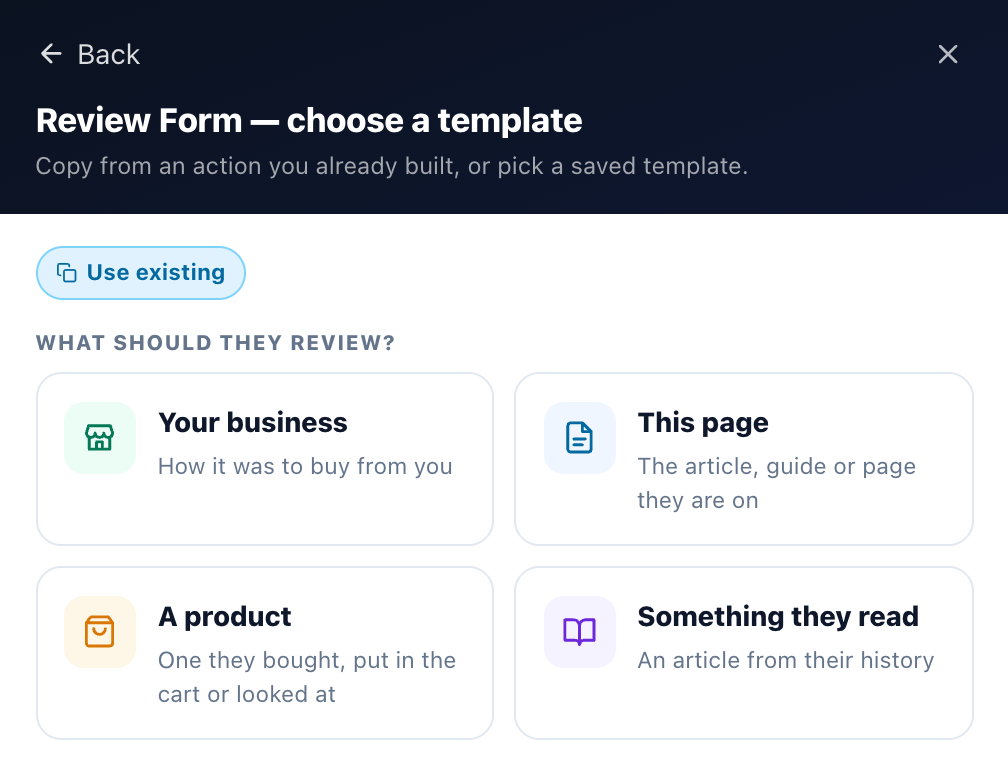
| Card | What the review is about | Designs made for it |
|---|---|---|
| Your business | How it was to buy from you — from anyone who sees the form. | Rate and Review (stars, a title, the text, name and email), Quick Star Rating (stars first, a comment if they like) |
| This page | The article, guide or page they are on. The review is saved with that page, so it can show there. | Rate This Page, Rate and Review an Article, Quick Article Rating |
| A product | One they bought, put in the cart or looked at — or the product on the page. | Review a Product They Bought, Rate and Review a Product, Quick Product Rating |
| Something they read | An article from their history: one they read, commented on, liked or reached a goal on. | Review Something They Read |
Or build a page or popup of your own with the Canvas, under the design pictures, opens the Canvas Builder.
The answer stays with the action. From the action, Change template shows its answer and lists only that answer’s designs, and the design’s Review Of setting, under What the Review Is About, keeps to it — for a product, A product from their history or The product on the page.
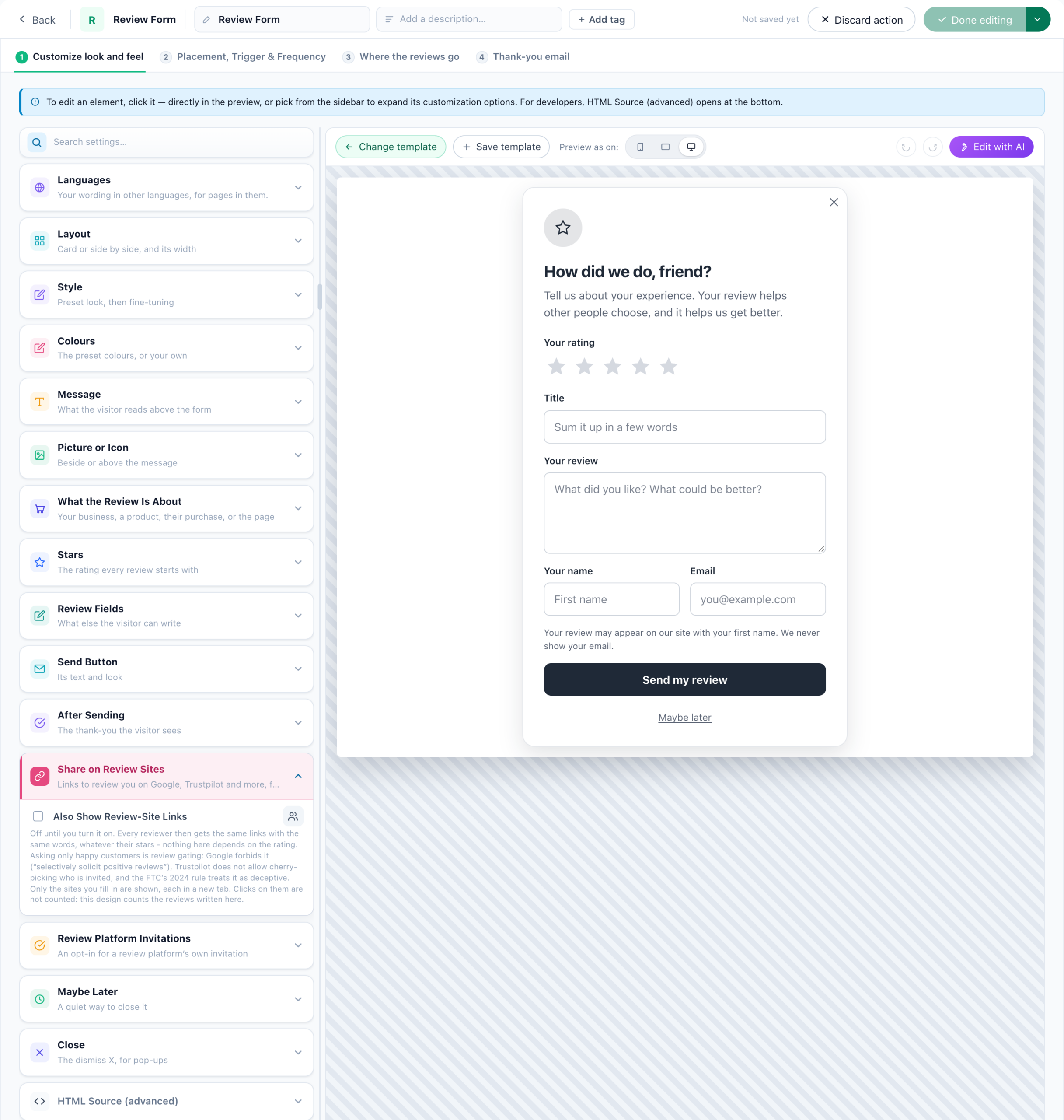
The steps: Customize look and feel; Which product and when or Which content and when, shown only while the form asks about a product from their history or something they read; Placement, Trigger & Frequency; Where the reviews go; and Thank-you email. A review form shown only on its own page has no Placement, Trigger & Frequency step.
Which product or article, and when
A form about A product from their history has the step Which product and when: from what they bought, put in the cart or looked at; the newest, the one with the fewest reviews, the most expensive or the best-seller; skipping products they already reviewed and, for what they bought, products they returned; asked 3 to 10, 7 to 21 or 21 to 45 days after, at any time, or on days of your own — counted from the purchase, or from the day it arrived. Every choice is explained in Asking about a purchase.
A form about Something they read has Which content and when: From what they read, what they commented on, what they liked, or where they reached one of your goals (signed up, downloaded, booked) — the newest that fits — and the same When.
A visitor with nothing that fits in that time sees no form at all. The review is filed under the product or the article the form showed.
How reviews are kept
- What a review is about is the form’s answer to What should they review?: your business, the page, the product the form showed (marked verified buyer when the visitor bought it), or the article.
- One review per visitor per product (or page): sending again edits the first.
- New reviews wait for your approval. Tick Publish at once to skip that.
- The send button is disabled while sending, so a double click sends once.
Two design settings worth knowing
- Share on Review Sites — links to Google, Trustpilot, G2, Capterra, Facebook or another site, shown on the thank-you after sending. The same links for every reviewer, whatever they rated.
- Ask for Consent to Be Invited by a Review Platform — off by default. Adds an unticked checkbox; Trusted Shops invitations need it.
Where the reviews go
This step starts with Save as a review. Add more with + Add a destination:
- Email me — up to 5 addresses; reply-to is the reviewer.
- A webhook, Zapier, Slack, HubSpot or Klaviyo.
- Count it as a goal.
- Save to the visitor’s profile — Submitted a review, Review rating and Last review date, so campaigns can target by them.
- Your connected review platforms — see Sending reviews to platforms.
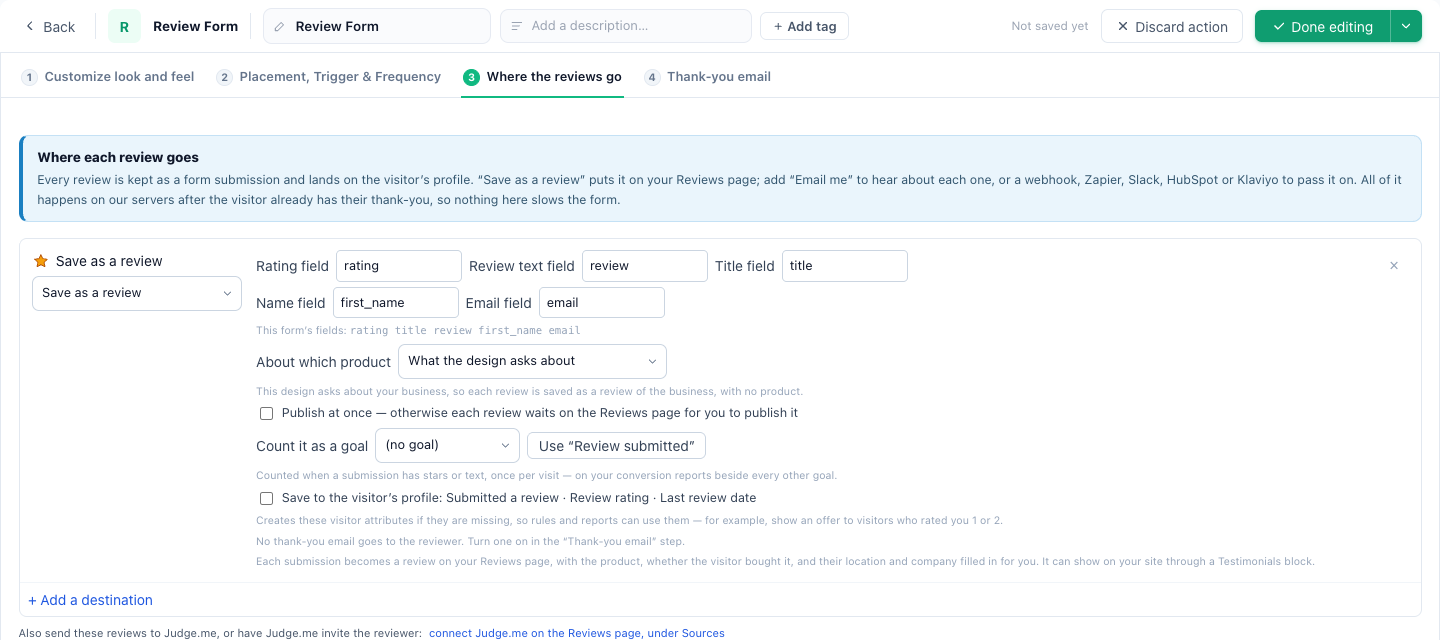
All of it runs after the visitor already has their thank-you, so a slow destination never keeps them waiting.
Asking by email, and a page of its own
Ask for a review by email sends buyers or readers a row of stars; each star opens this Review Form with that star picked — on the product’s page, or on the form’s own page on your domain, from the Reviews campaign’s Sharing step. New campaign → Reviews → Ask buyers for a review builds the form and the email together.
The review form’s own page
A Reviews campaign’s Sharing step (Share this review form) gives its Review Form a page of its own — on your account’s default address (with Reviews & Surveys; see Your account’s default address) or your own domain (with Hosted Landing Pages) — with QR code & text message and From a review email: an Ask for a review by email set to On your own review page opens it from its stars. A Reviews campaign made for its page has no Target step, its address is filled in (review or the campaign’s name), and it is A/B tested as a page (see A/B testing the page). A review form inside a page of your own design is a part of a hosted landing page (see Landing page kinds and parts).
Thank-you email
Off by default. See The thank-you email.
Related
- Show Reviews
- Asking about a purchase — which product, when, and returns
- Ask for a review by email
- Sending reviews to platforms, and platform invitations
- Ask for a Platform Review — send visitors to review you elsewhere
- Troubleshooting — a review that is not on the site