
Personyze makes server-to-server requests to your domains — fetching product feeds, crawling pages, rendering external media. If an edge security layer sits in front of those endpoints, it may block those requests because they lack a header it requires.
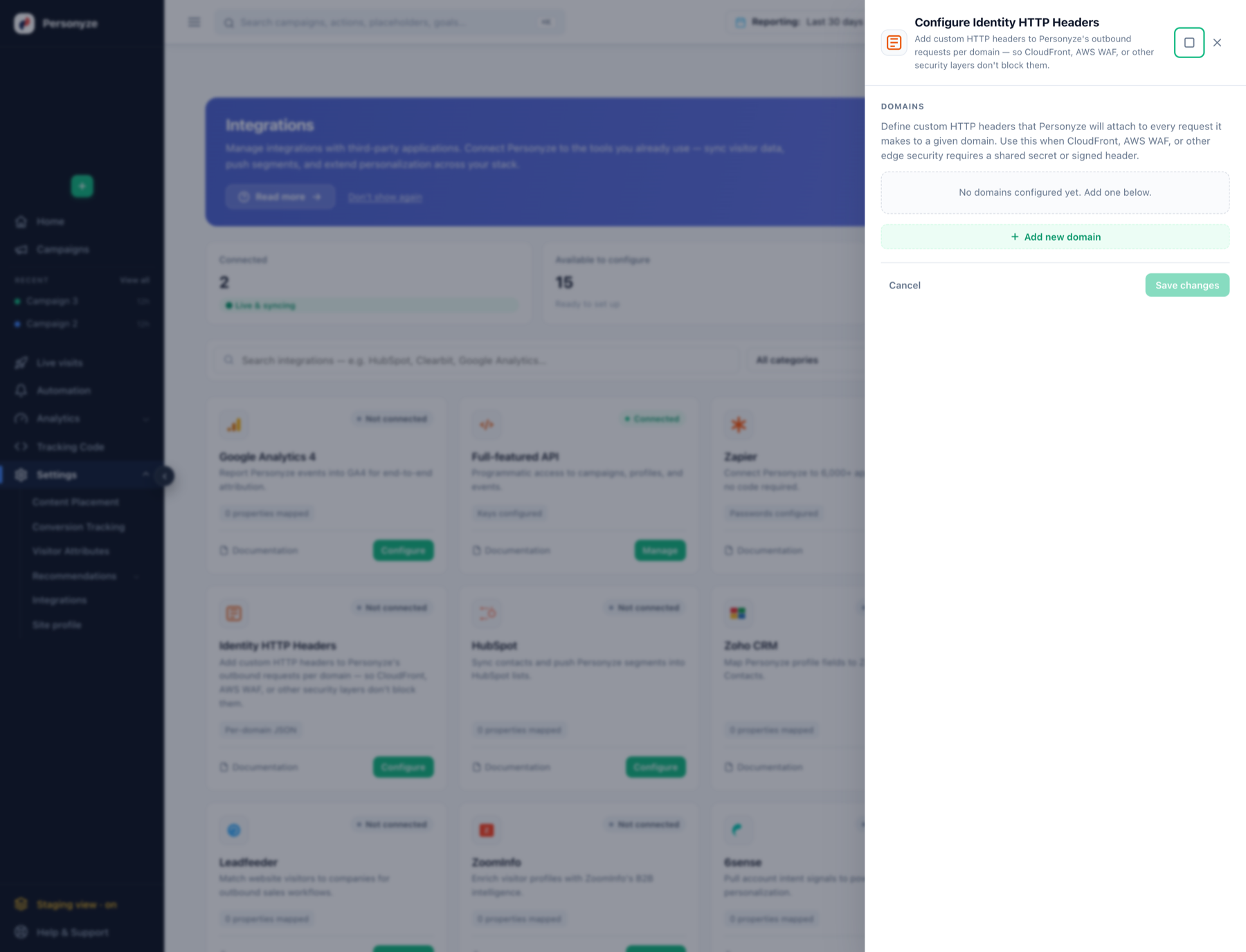
Identity HTTP Headers lets you attach custom headers to every request Personyze sends to a given domain, so those requests get through.
In the panel: Settings › Integrations › Identity HTTP Headers.
When you need this
- CloudFront distributions that require a custom header (a shared secret) before the request reaches the origin.
- AWS WAF or similar rules that reject requests without a signed or secret header.
- API gateways behind an API key.
- Any endpoint where Personyze’s requests come back
401or403and your own browser works fine.
The symptom is usually a feed that will not import, or page content Personyze cannot read, with the endpoint working perfectly when you try it yourself.
Configuring it
- Click Add domain and enter the exact host Personyze should send the header to — for example
api.yoursite.com. Headers are scoped to that domain and sent nowhere else. - Add a header name (e.g.
X-Origin-Auth) and its value (e.g. a shared secret or bearer token). - Add more headers to the same domain if your edge layer needs several.
- Add more domains as needed — production and staging often need different secrets.
- Save.
Notes
- Scoped per domain. A header is only attached to requests to the domain you listed, so a secret for one origin never leaks to another.
- Match the host exactly as Personyze will request it. A header configured for
yoursite.comis not sent toapi.yoursite.com. - These are credentials. Treat the values like passwords, and rotate them on your side if they leak.