
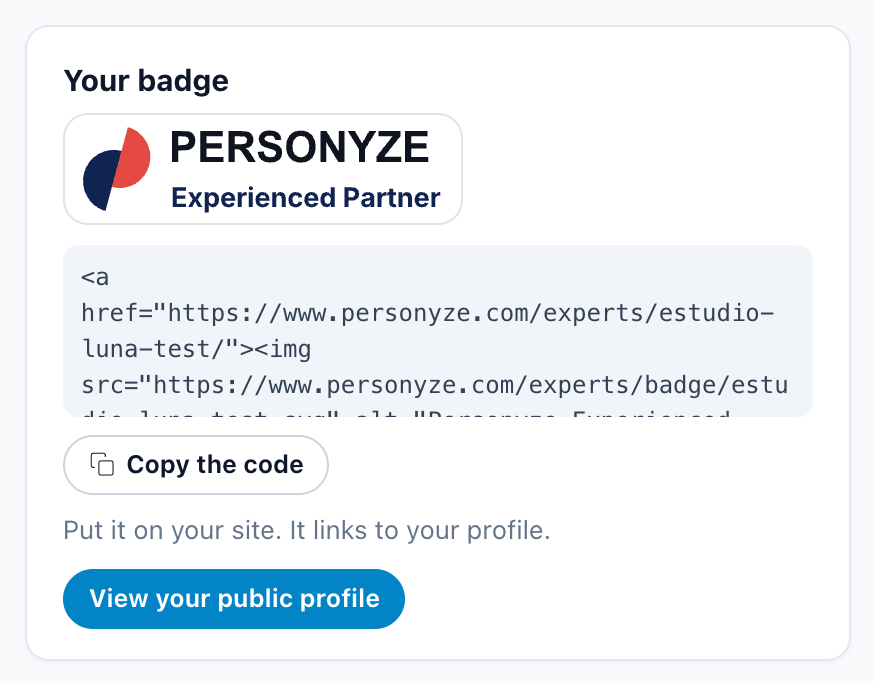
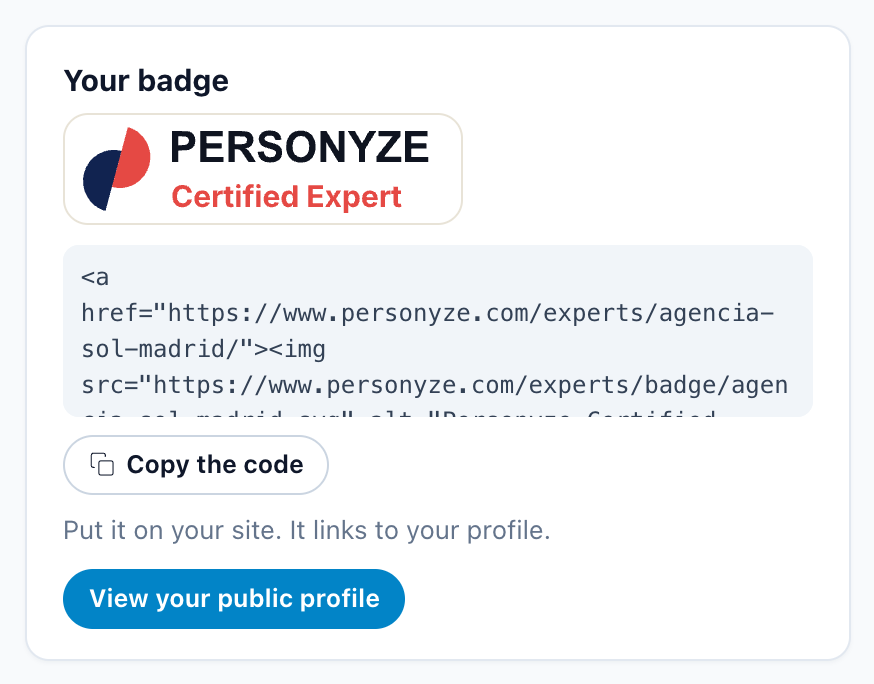
The Personyze partner badge is a badge an agency puts on its own website. It shows the agency’s level — Certified Expert, Master Expert or Experienced Partner — and links to the agency’s public profile on personyze.com. You copy the badge code from the Partner portal, paste it once, and the badge keeps itself up to date.

The three badges, and who gets each
| Badge | Who gets it |
|---|---|
| Certified Expert (red) | An agency with at least one certified specialty. |
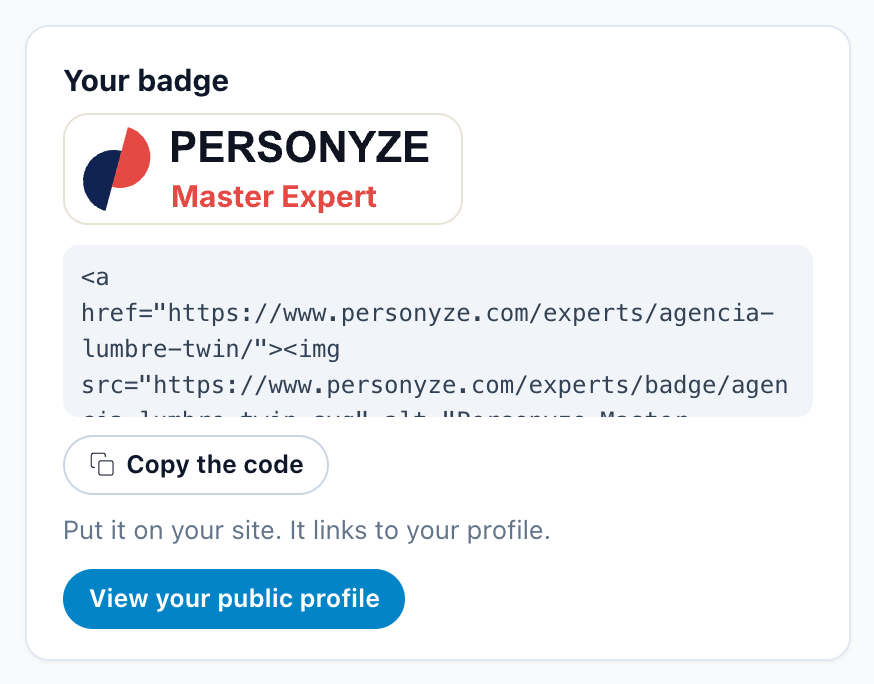
| Master Expert (red) | An agency certified in all five specialties. It is listed first in the expert directory. |
| Experienced Partner (navy) | An agency that has worked with Personyze before, listed before it certifies anything. Its badge becomes Certified Expert once a specialty is certified. |
Getting your badge
In the Partner portal, Home has a Your badge card with your badge and its code.
- Before you are listed, the card says: “Your badge and public profile appear once your first specialty is certified.”
- Copy the code copies an HTML snippet: a 200×56 image that links to your profile. Its shape:
<a href="https://www.personyze.com/experts/<agency>/"><img src="https://www.personyze.com/experts/badge/<agency>.svg" alt="Personyze Certified Expert" width="200" height="56"></a>The image is https://www.personyze.com/experts/badge/<agency>.svg and the link is https://www.personyze.com/experts/<agency>/, where <agency> is your agency’s own address on personyze.com. The alt text names your level.
Where to paste it
Anywhere on your website that takes HTML, such as the footer, a partners page or an “our certifications” section. As the card puts it: “Put it on your site. It links to your profile.”
Your public profile
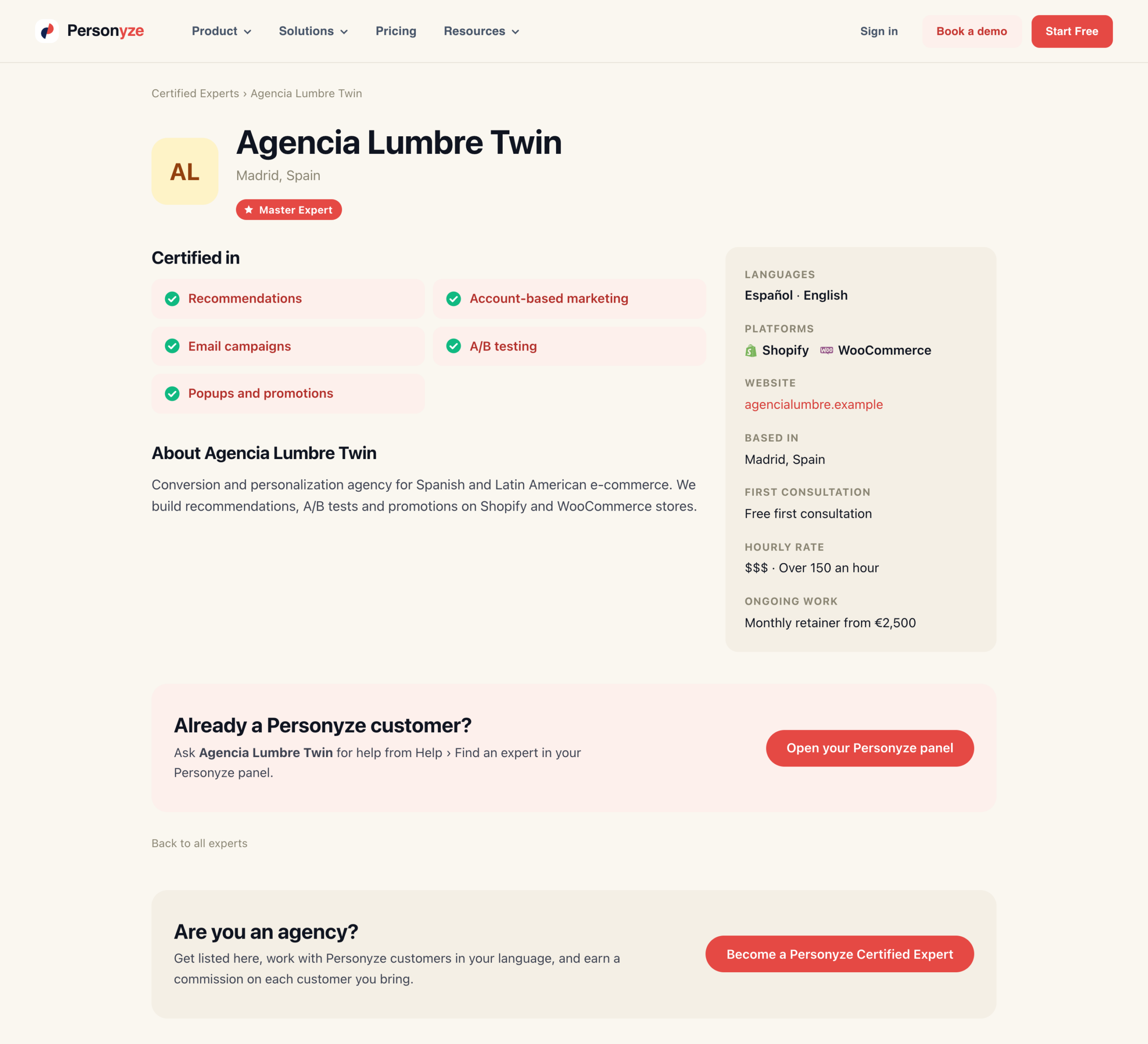
View your public profile on the card opens the page your badge links to. It shows:
- your level;
- the specialties you are “Certified in”;
- your About text;
- your languages, platforms, website and location;
- your prices;
- an “Already a Personyze customer?” box, which sends a customer to ask you for help from their Personyze panel.
You fill it in on Home, in Your profile.
It stays current by itself
The image always shows your current level. When you move from Certified Expert to Master Expert, the badge on your site changes with it, and the code on your site stays as it is: there is nothing to paste again. A visitor’s browser may keep the old image for up to a day.
Related
- The Partner Portal — leads, referrals, payouts and your certification
- Getting certified — the five specialties and the Master Expert bar
- Your profile — what your public profile shows