
The Slack integration posts Personyze notifications into a Slack channel — campaign alerts and identified-visitor notifications, delivered where your team already works.
In the panel: Settings › Integrations › Slack.
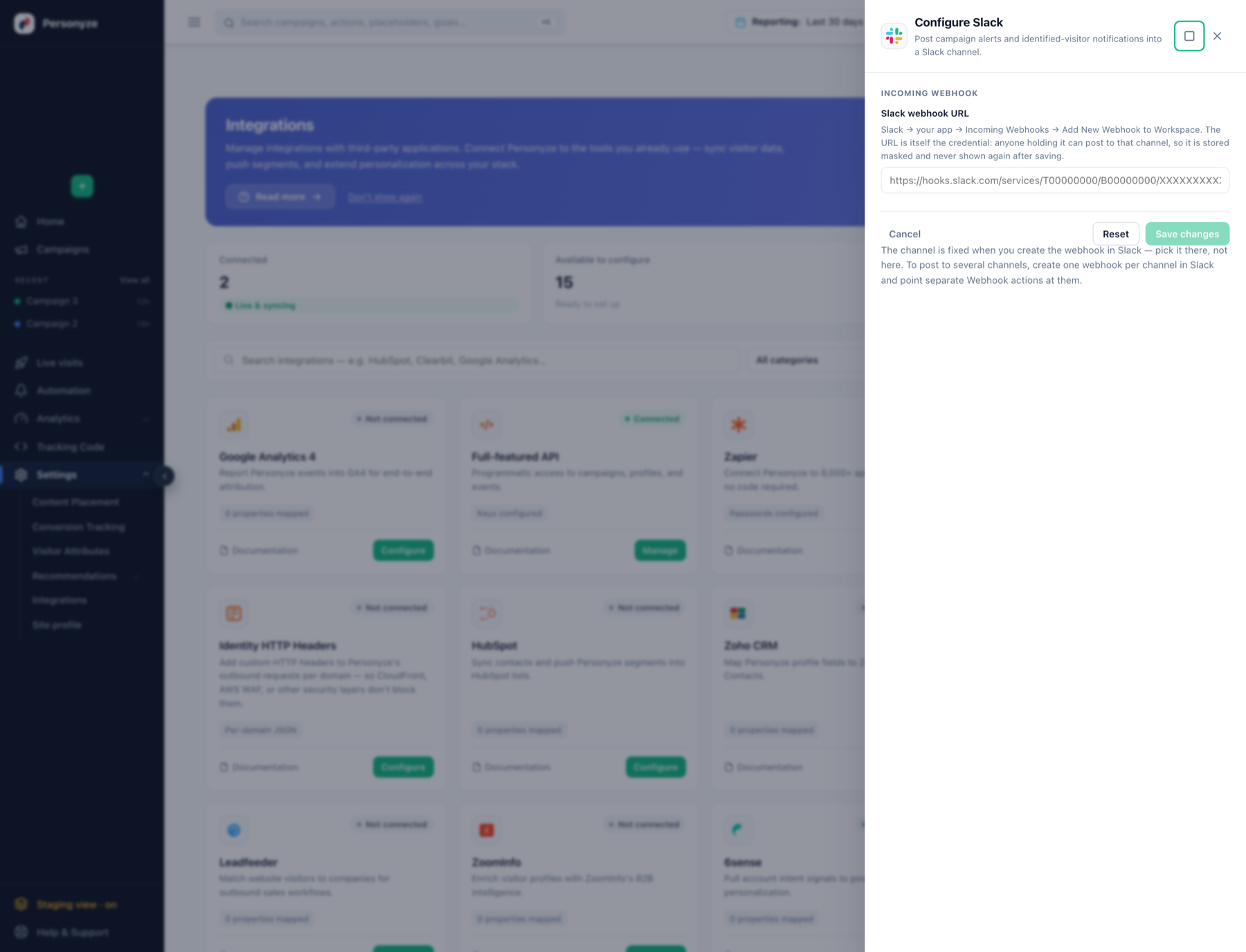
Setting it up
- In Slack, go to your app › Incoming Webhooks › Add New Webhook to Workspace.
- Choose the channel there. The channel is fixed at the moment you create the webhook — it is not something you pick in Personyze.
- Copy the webhook URL. It looks like
https://hooks.slack.com/services/T00000000/B00000000/XXXXXXXX… - Paste it into Slack webhook URL in Personyze and save.
Two things worth knowing
The URL is itself the credential. Anyone holding it can post to that channel. Personyze stores it masked and never shows it again after saving — so keep your own copy if you need it elsewhere, and regenerate it in Slack if it leaks.
One webhook, one channel. To post to several channels, create a separate webhook per channel in Slack and point separate Webhook actions at them. There is no channel selector on the Personyze side.